FREE No sign-up · Works offline

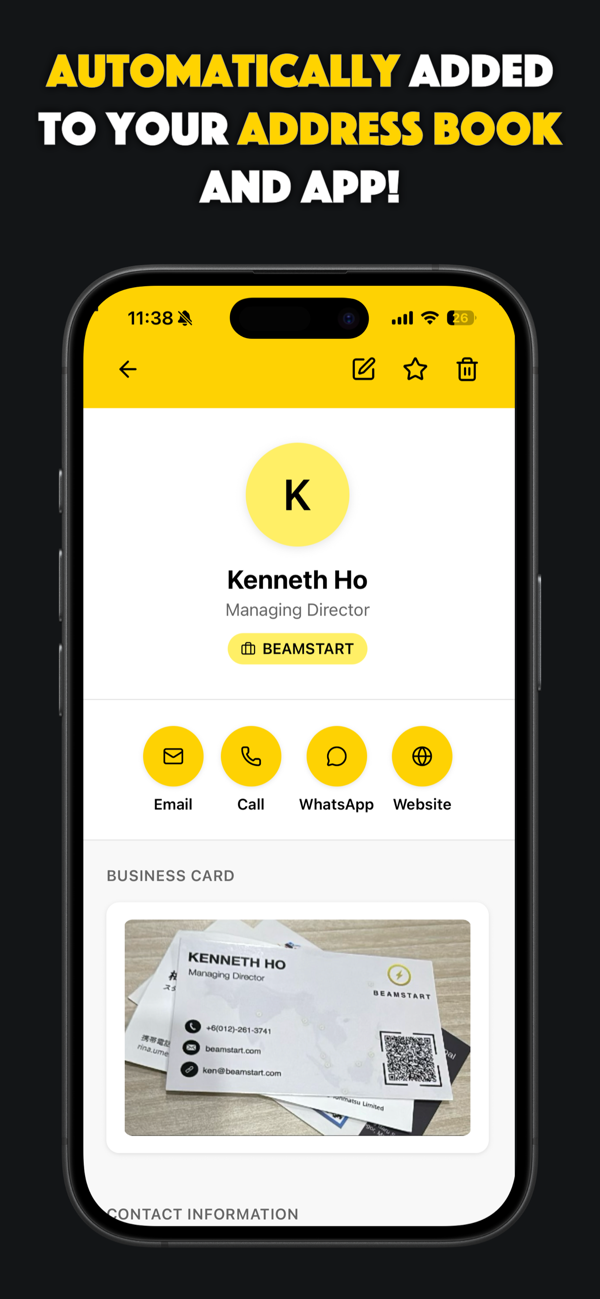
Easily scan business cards to your phone's address book.

CardScan is a free app that lets you easily scan business cards and save them automatically to your phone's address book / contact list. All data is stored on your device (100% privacy).


All contact data stays on your device — 100% private.
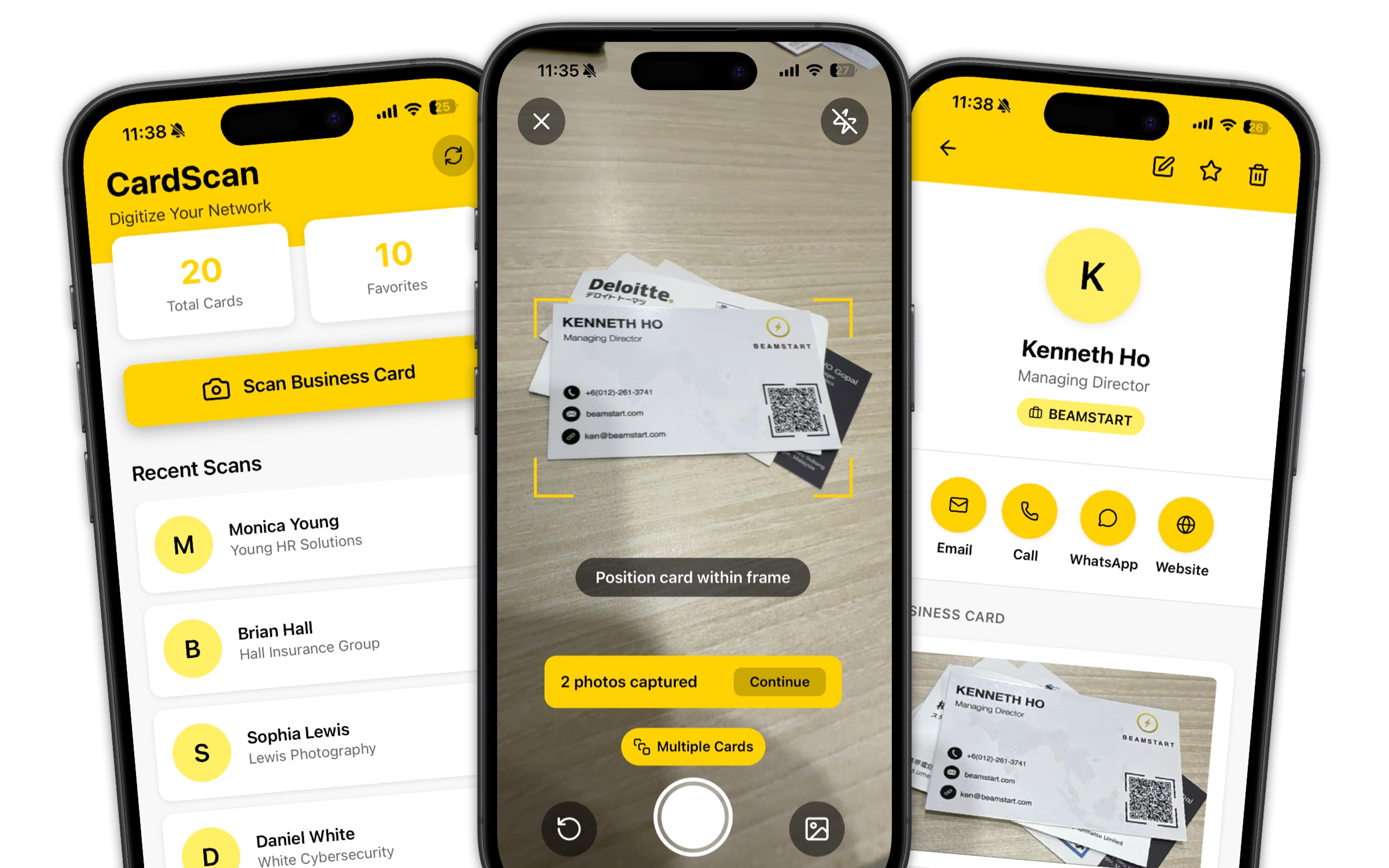
CardScan app shown on three phones: home screen, camera scanning a card, and a saved contact
How it works

Three taps from card to contact.

No manual entry, no learning curve — just point, scan, and save.

Snap the card

Open the camera and take one photo. CardScan detects single or multiple cards automatically.

Review the details

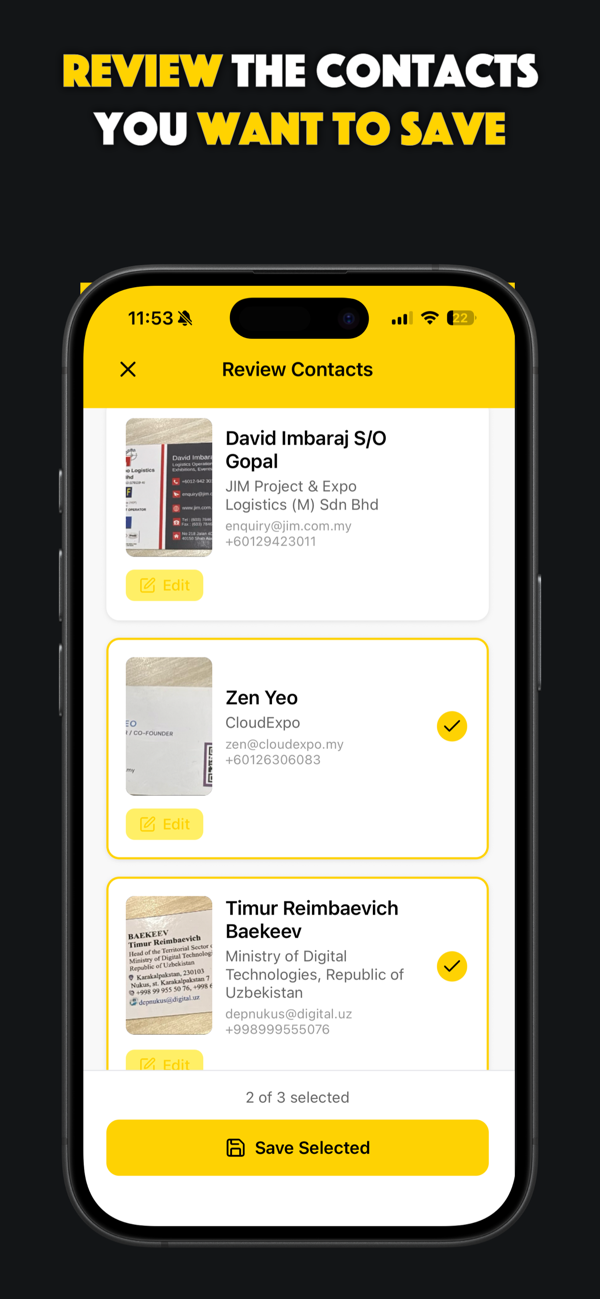
AI extracts the name, title, company, phone and email. Quickly confirm or edit anything.

Save to contacts

Tap save and the contact lands in your address book instantly — ready to call or message.

Features

Everything you need to build your network.

Powerful OCR, instant sync, and privacy by design — in one lightweight app.

Super-fast scanning

AI-powered OCR reads any card in seconds. Capture several cards in a single photo with batch detection.

Auto-save to contacts

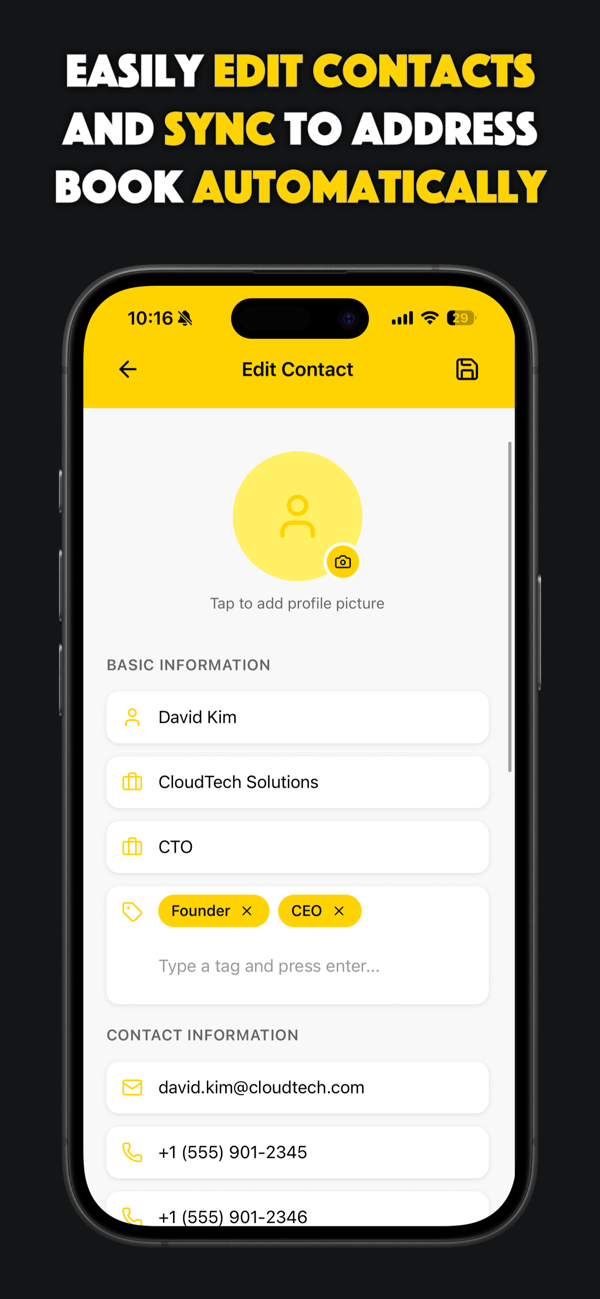
Names, phone numbers, emails and company details go straight into your phone's address book.

On-device storage

Your contacts never touch the cloud. Everything is stored privately on your device only.

One-tap CSV export

Export every saved contact to a clean CSV file — ready to import into your CRM or spreadsheet.

Smart organization

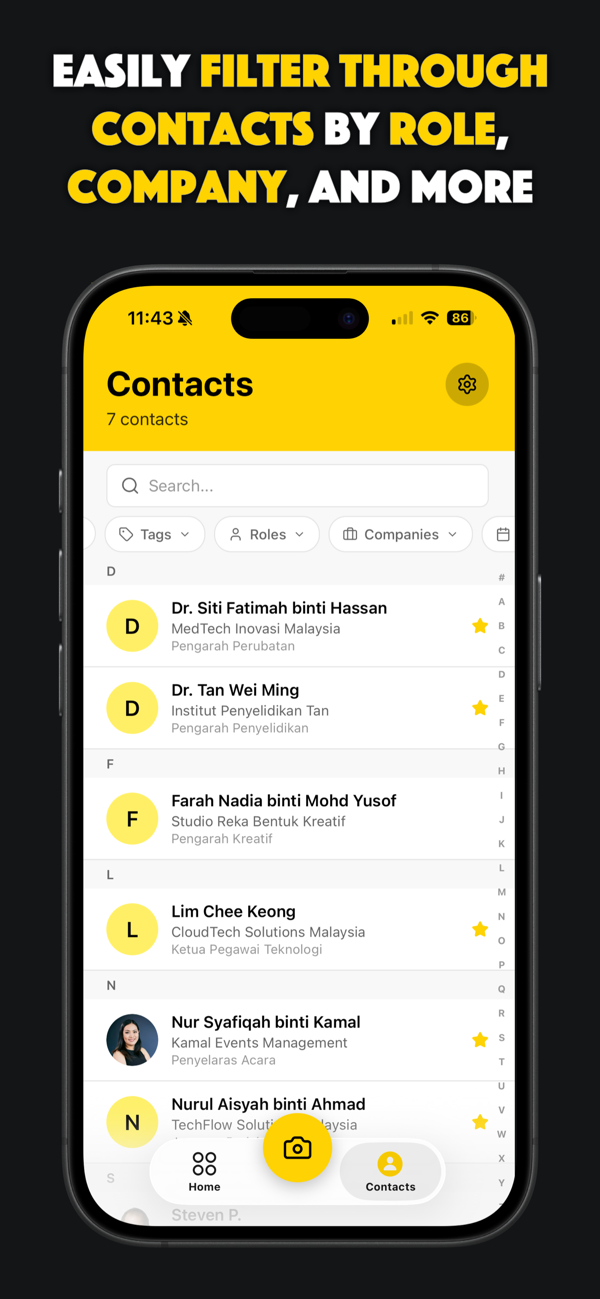
Filter and search your connections by role, company, tags and date — find anyone instantly.

9 languages

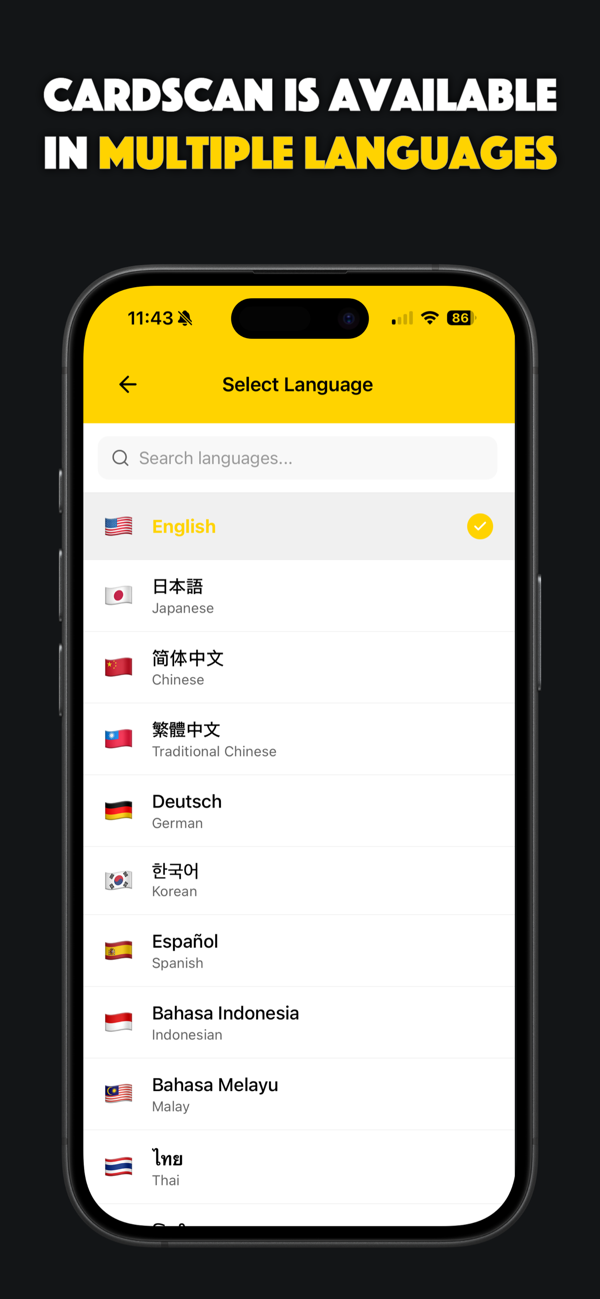
Scan cards in English, Chinese, Japanese, Korean, German, Spanish, Malay, Indonesian, and Thai.

Inside the app

Designed to feel effortless.

A clean, focused interface built for founders, networkers and professionals.
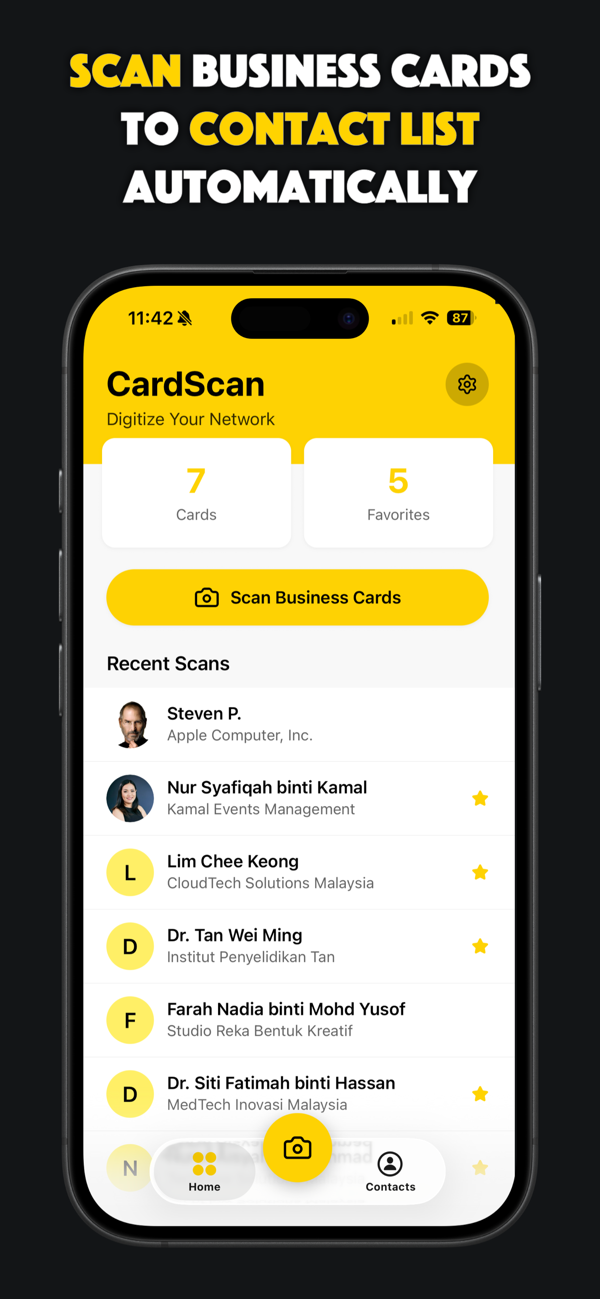
CardScan home screen with recent scans Filter contacts by role and company Review contacts before saving Edit a scanned contact Scan cards in multiple languages CardScan feature overview
Privacy first

Your network stays on your phone.

CardScan was built privacy-first. Scanned data lives only in the app and your phone's address book — never on our servers.

  • No cloud storage. Contact data never leaves your device.
  • Free CSV backup. Export and keep your own copy anytime.
  • Easy restore. Reinstalling? Recover contacts from your address book.
100%
of your contacts stay private, on your device.
FAQ

Questions, answered.

Is CardScan free to use?
Yes. CardScan is free for up to 10 successfully saved business cards. After that you can subscribe to Premium for $19.99/year for unlimited usage.
How does CardScan work?
Scan one or more business cards and CardScan extracts the details with AI-powered OCR, then saves them into the app and your phone's address book — so you never type contact details by hand.
Can I export or back up my contacts?
Absolutely. Use the built-in one-click CSV export to back up contacts or import them into a CRM. Contacts are also saved to your phone's address book automatically.
Which platforms is CardScan on?
CardScan is available for both iOS and Android. Download from the App Store or Google Play using the buttons on this page.
What happens to my data?
Scanned business card data is stored only on your phone. It is never used or stored elsewhere — CardScan is designed for 100% privacy.
Can I cancel Premium anytime?
Yes. After subscribing, a cancel option appears under Settings. Your subscription stays active until the end of the current billing period.

Get CardScan today.

Available on iOS and Android — download free from the App Store or Google Play.